3D Animation Maya | Published: Friday, April 4, 2026 | Keyword: 3D animation production process using Maya | ~1,900 words
Most businesses that commission 3D animation receive a finished video and a price. What happens between those two events — the people, the tools, the disciplines, the sequence of decisions that transforms a brief into a broadcast-ready deliverable — is largely invisible to the client. That invisibility is one reason briefs are often incomplete, revision expectations are often misaligned, and timelines are often underestimated by both parties.
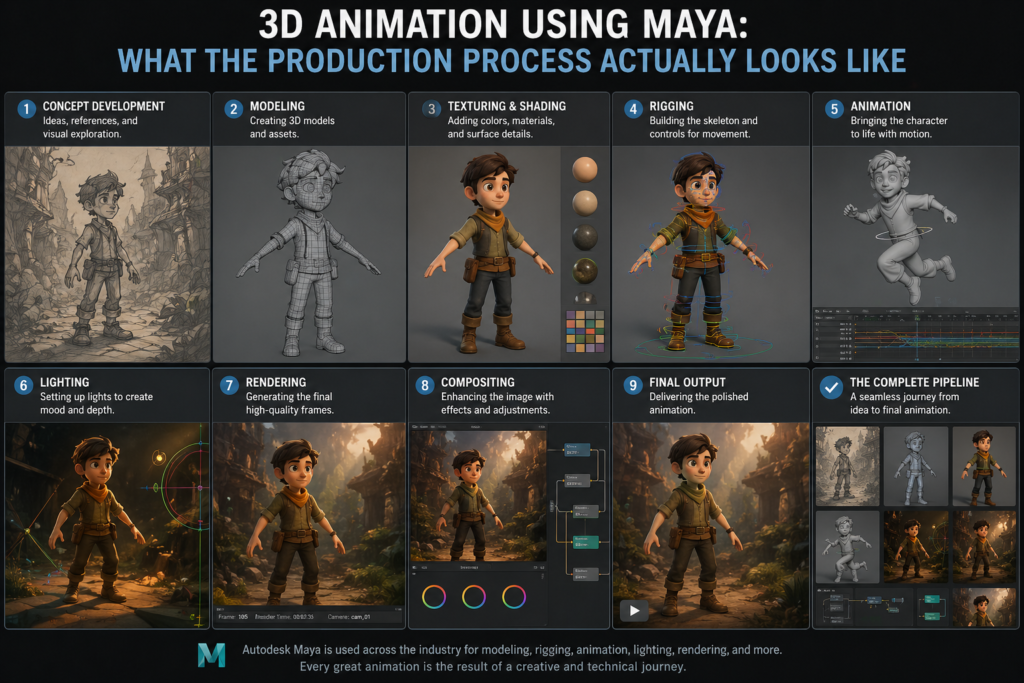
This article makes the Maya production process visible. Not as a technical manual — the audience here is business buyers and marketing decision-makers, not 3D artists — but as a practical guide to what actually happens at each stage, what decisions get made, where your participation as a client matters most, and what the Maya pipeline specifically enables that makes the output different from productions built in other tools.
Understanding the production process is not just interesting context. It is the foundation of a better client-studio relationship and, consistently, a better final deliverable.
Stage 1: Pre-Production — Where the Project Is Actually Won or Lost
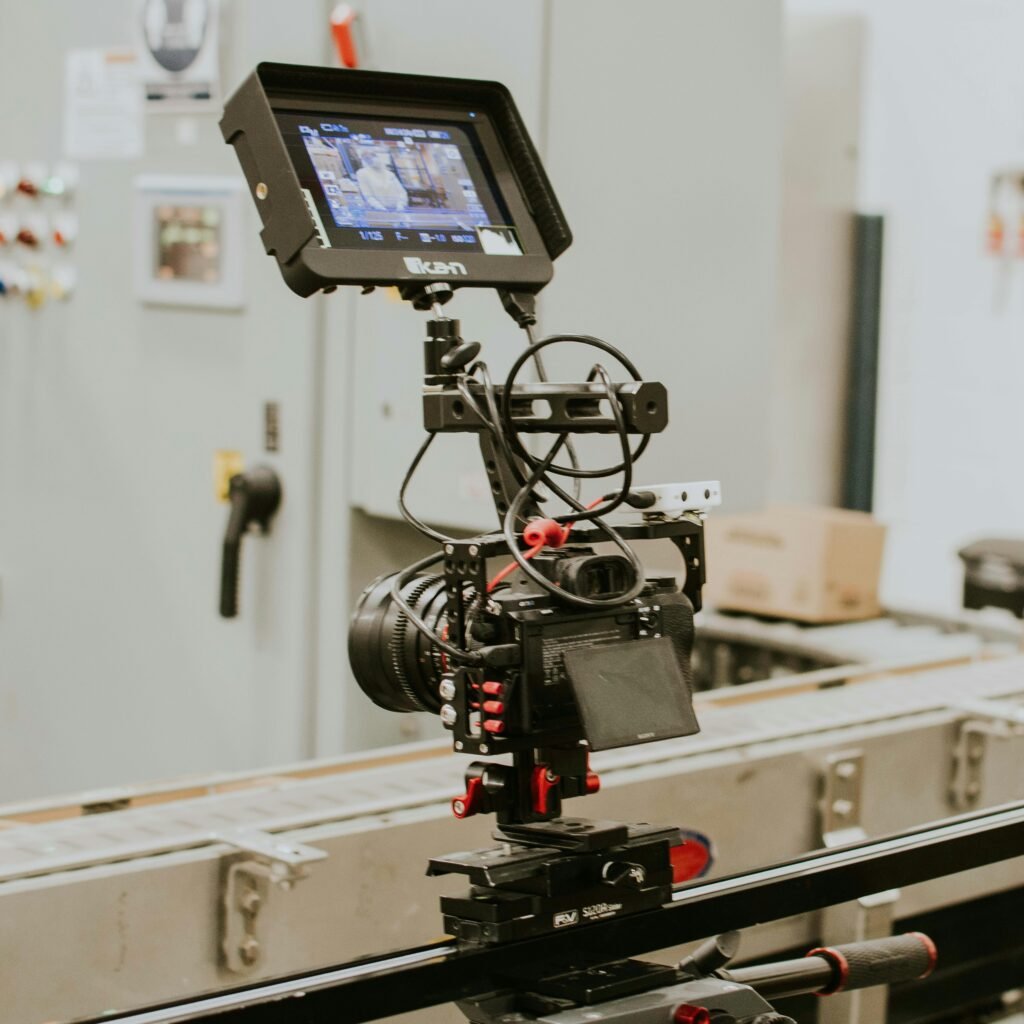
The most common misconception about 3D animation production is that the important creative work happens when the computers are running. It does not. The important creative work happens before a single polygon is modeled, and its quality determines the efficiency and output quality of every subsequent stage.
Brief Development and Scope Definition
A professional Maya studio’s pre-production begins with a thorough brief development process. This is not a formality — it is the stage at which the studio and client align on what is being made, for whom, to what visual standard, on what timeline, and within what budget. Gaps in this alignment do not disappear during production. They compound, producing revision cycles that a clear brief would have made unnecessary.
At this stage, the studio should be asking: What is the primary commercial objective of this animation? Who is the audience, and where will the content be deployed? What is the visual reference for quality and style? What assets does the client have — CAD files, product photography, brand guidelines? What are the non-negotiable constraints on timeline and budget?
Concept Development and Script
For narrative animations — brand videos, explainers, character-led commercials — a script or narrative outline is developed and approved before any visual work begins. For product visualizations, a shot list and camera direction plan serves a similar function. Both documents force the creative team to make decisions on paper that are cheap to change — rather than in 3D, where changes are expensive.
Storyboarding and Animatic
The storyboard translates the script or shot plan into a sequence of visual frames — a rough sketch of what the animation will look like, scene by scene. The animatic takes this further: a timed, rough-motion version of the storyboard, often produced with simple placeholder 3D geometry, that gives the client a sense of pacing, camera movement, and narrative flow before the high-quality production work begins.
Client review and approval of the animatic is one of the most important milestones in the production process. Changes at animatic stage cost a fraction of what the same changes would cost after modeling, rigging, and animation are complete. Clients who engage seriously at this stage consistently get better outcomes at lower total cost.
| Every hour invested in pre-production saves five to ten hours in production. The most expensive revision is always the one that requires undoing completed high-quality work to change a decision that could have been made on a storyboard. |
Stage 2: Asset Creation — Building the 3D World in Maya
3D Modeling
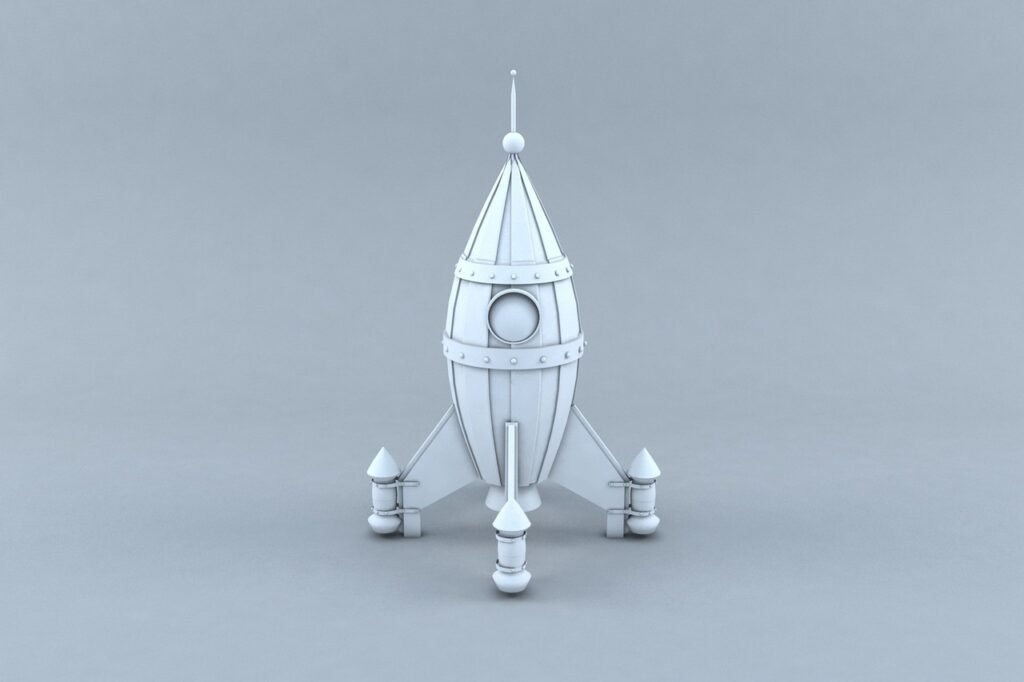
With the storyboard approved, the modeling phase begins. Maya artists build three-dimensional representations of every object, character, environment, and prop that will appear in the animation. Each model is constructed with a level of geometric detail appropriate to its role: hero objects — the product, the key character, the primary visual element — receive the highest density of geometry to support close-up camera work and fine surface detail. Background elements are built more efficiently.
For product animations, the modeling phase is where accuracy to the physical product is established. Reference photography, technical drawings, and CAD files are used to ensure the model correctly represents every dimension, feature, and surface characteristic of the actual product. For products not yet manufactured, the 3D model may actually precede the physical object — making the model the definitive record of the product’s visual specification.
Maya’s modeling workflow supports this level of precision through its non-destructive editing architecture: changes to the model’s geometry can be made at any point without permanently altering the underlying structure. This flexibility is important for productions where the product design is still being finalized in parallel with animation production.
UV Mapping and Texturing
With models complete, the UV mapping and texturing phase begins. UV mapping unfolds the 3D model’s surface into a flat 2D layout — the template onto which texture maps will be painted or procedurally generated. The quality of the UV layout directly affects the quality of the textured result: poor UV work produces stretching, seams, and texture resolution inconsistencies that are visible in the final render.
Texturing in a professional Maya pipeline typically uses Autodesk’s Substance Painter or Foundry’s Mari for high-resolution texture work, with the textured assets brought back into Maya for final rendering. The texture maps created at this stage define each material’s physical properties: its base color, its metalness, its roughness, its translucency, its surface microstructure. At professional standard, the texturing phase is where the visual difference between a good render and a photorealistic one is established.
Rigging
For any asset that needs to move — characters, creatures, mechanical assemblies, products with moving parts — rigging creates the internal control structure that animators will use to produce that movement. In Maya, rigging is a sophisticated discipline in its own right: riggers build control systems using Maya’s node-based architecture that allow animators to pose and move assets intuitively, with realistic deformation behavior and physically plausible motion constraints.
The quality of the rig directly determines the quality of the animation it enables. A well-built Maya rig can be animated with the precision needed for expressive character performance. A poorly built rig produces animation that fights the animator at every frame. This is the discipline where Maya’s technical leadership over alternative tools is most commercially significant.
Stage 3: Animation — Giving the Assets Life
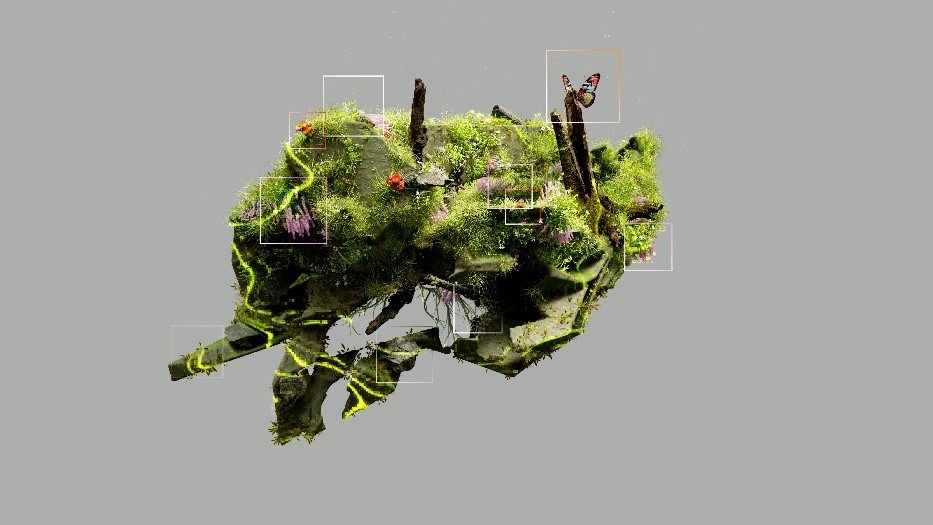
With models, textures, and rigs in place, the animation phase begins. Animators in Maya set keyframes — defining the position, rotation, and state of every animated element at specific moments in time — and the software interpolates the movement between those keyframes. The art of animation is not in the keyframes themselves but in the curves between them: the acceleration and deceleration, the anticipation and follow-through, the subtle secondary motion that makes animated movement feel physically real rather than mechanical.
Blocking
Animation begins with blocking: establishing the major poses and key movements at a rough level. At this stage, the animation is a simplified sketch of the final motion — the right shapes are there, but the timing and nuance are not yet refined. Blocking is reviewed with the client where the animation direction is complex or involves significant performance decisions.
Spline and Refinement
With blocking approved, animators move into spline refinement — converting the blocky keyframe motion into smooth, physically plausible animation curves. This phase involves detailed attention to timing, easing, anticipation, overlap, and secondary motion. A 30-second product animation might involve weeks of refinement at this stage; a feature-quality character performance may involve months.
Stage 4: Lighting and Rendering With Arnold
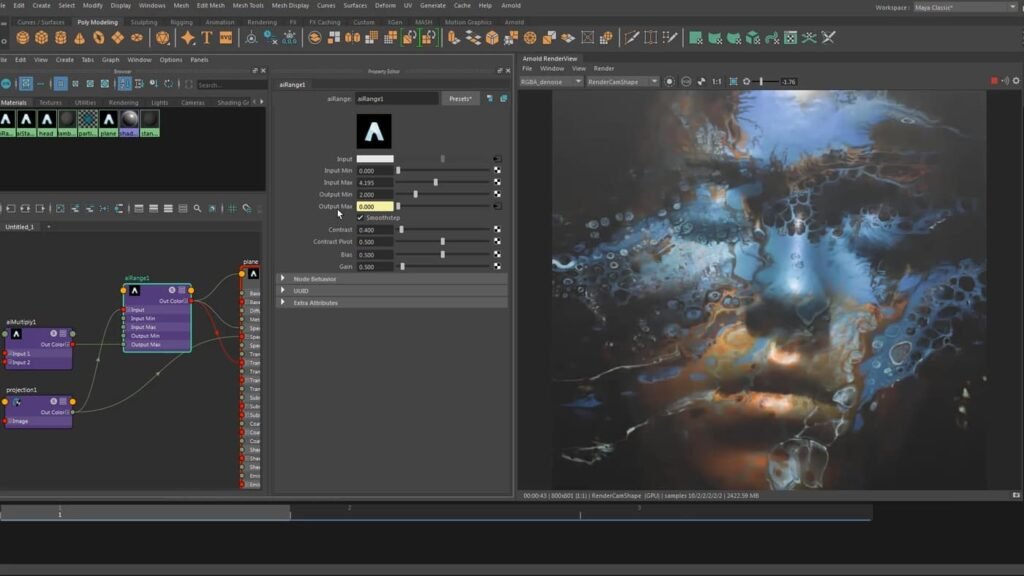
Lighting is often the most technically demanding phase of the production and the one most directly responsible for the final image quality. In Maya’s production pipeline, lighting is performed in Arnold — Autodesk’s physically-based rendering engine.
Arnold’s global illumination system simulates the behavior of light in a physically plausible way: light bounces between surfaces, color bleeds from one object to another, shadows have soft penumbra, and translucent materials scatter light internally. The result is imagery where the light behavior is consistent with physical reality — which is the foundation of photorealism.
Lighting decisions are as much creative as technical. The goal is not merely physical accuracy but physical accuracy in service of the brand’s visual intent: a luxury product lit to reveal the quality of its materials, a corporate environment lit to convey authority and professionalism, a hero character lit to be sympathetic and compelling. The best Maya lighters are simultaneously physicists and visual artists.
Rendering is the computational phase: Arnold calculates the color of every pixel in every frame by tracing the paths of millions of rays through the scene, tracking their interactions with every surface and light source. High-quality renders at professional settings require significant compute time — managed through render farm infrastructure that allows frames to be processed in parallel across many machines.
Stage 5: Compositing, Post-Production, and Delivery
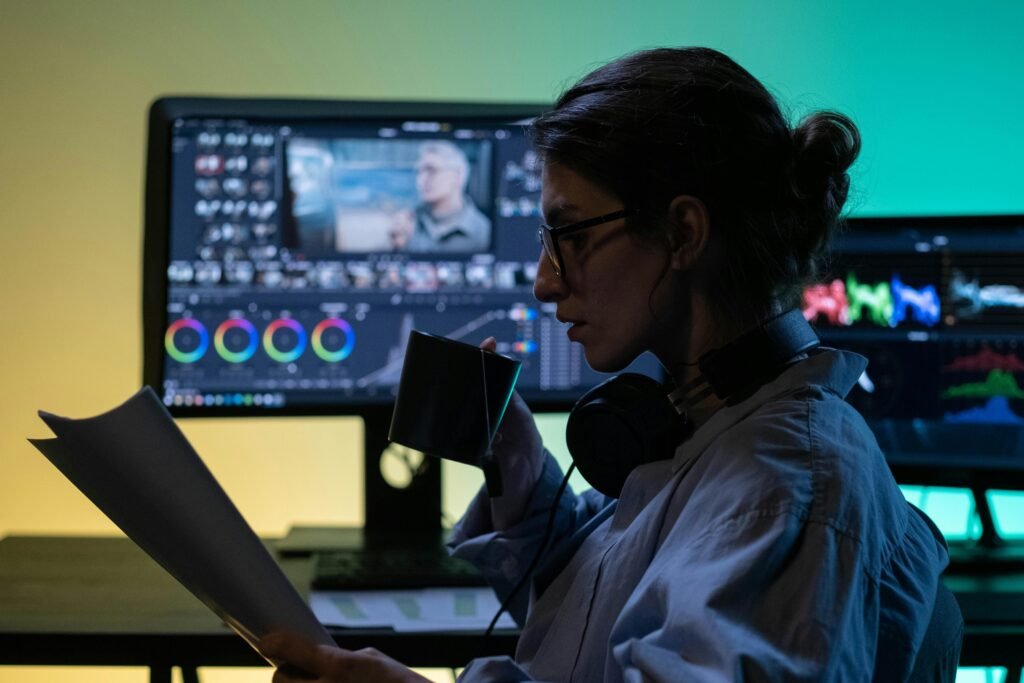
Rendered image sequences arrive in the compositing phase as layered elements — the 3D render, the shadow pass, the reflection pass, the ambient occlusion pass, and others — that the compositor combines and adjusts to produce the final image. Compositing allows for color grading adjustments, the addition of motion graphics and text, the integration of live-action elements where applicable, and the final refinement of the visual tone.
Audio — voiceover, music, and sound design — is mixed and synchronized to the picture in post-production. Sound design in particular is often underinvested in 3D animation production: the mechanical sounds, environmental atmosphere, and audio feedback cues that accompany a product animation or brand film significantly affect the perceived quality of the final deliverable.
Final delivery involves exporting the completed production in the formats, resolutions, and color specifications required for each intended platform. A professional Maya studio will have standard delivery templates for broadcast, streaming, digital advertising, web, and social platforms — ensuring that the production’s visual quality is preserved across every distribution channel.
What the Maya Pipeline Means for Your Project
The production process described above is not unique to Maya — every professional 3D animation moves through broadly similar stages. What Maya’s pipeline specifically contributes is the depth of capability at each stage: modeling precision that supports photorealism, rigging sophistication that supports expressive performance, Arnold rendering that produces physically-accurate imagery, and pipeline integration that supports multi-artist production without quality loss at the handoff points between disciplines.
For business buyers, the practical implications are these: a Maya production is built for professional standard from the ground up, on a pipeline that the industry’s most demanding clients have validated over decades. The timeline is longer and the investment is higher than alternatives — because the output is produced to a standard that alternatives do not reach.
3D Animation Maya is a Maya-specialist production studio serving clients across the United States. If you want to understand what a Maya production looks like for your specific project brief, contact our team for a consultation.