3D Animation Maya | Published: Wednesday, March 25, 2026 | Target Keyword: Maya vs Blender professional 3D animation | ~2,100 words
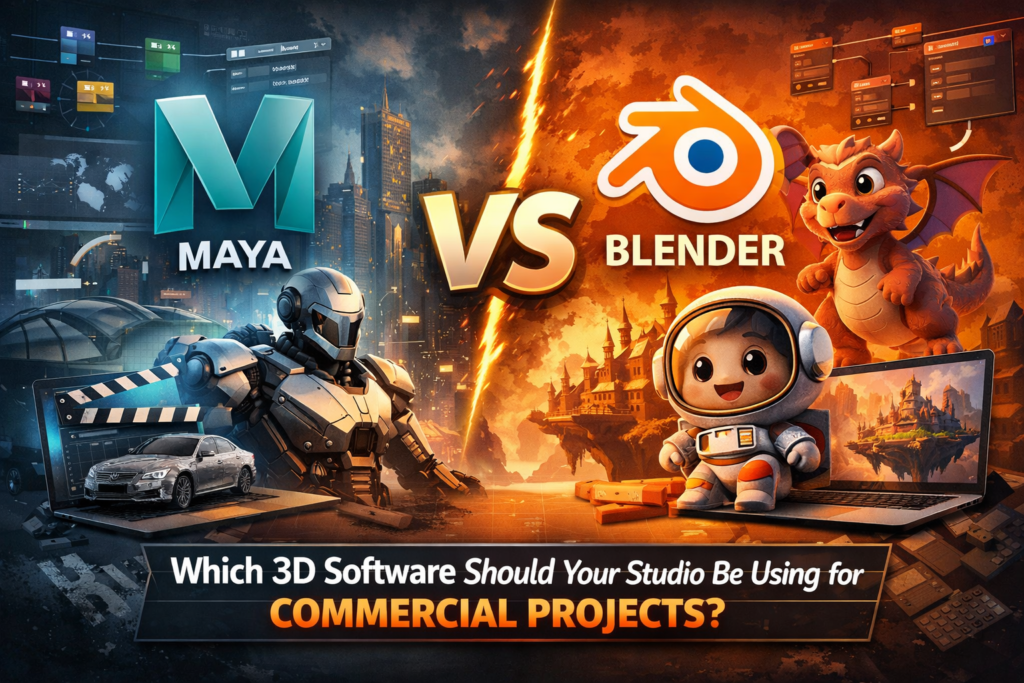
Few debates in the professional 3D animation community generate more heat than the question of Maya versus Blender. On one side: the argument that Blender, now a fully mature and genuinely powerful open-source tool, has closed the capability gap with commercial software to the point where the distinction no longer matters for most professional work. On the other: the position that Maya’s production-hardened pipeline, its industry-standard character tools, and its integration with professional rendering and compositing applications continue to justify its place at the top of the commercial production hierarchy.
Both sides have legitimate points. This article does not exist to declare a winner in a tribal debate. It exists to give business buyers and studio decision-makers a clear-eyed, evidence-based framework for understanding where the distinction genuinely matters — and where it does not — in the context of professional commercial 3D animation.
If you are a business commissioning 3D animation, this article will help you ask the right questions of any studio you evaluate. If you are a studio professional evaluating your toolset, it will provide an honest assessment of each tool’s commercial positioning.
The Short Answer

For most commercial animation projects — product visualization, explainer animation, motion graphics, brand films below broadcast quality threshold — a highly skilled Blender artist can produce work that is excellent and that meets professional commercial standards. Blender in 2026 is genuinely impressive, and dismissing it as a hobbyist tool is both inaccurate and intellectually lazy.
For projects that require advanced character rigging at performance-animation standard, physically-accurate simulation for broadcast-quality production, seamless integration in a multi-artist professional pipeline, or the absolute ceiling of photorealistic rendering quality — Maya is materially superior, and the difference is commercially significant. The key question is not ‘which tool is better’ in the abstract — it is ‘which tool is the right instrument for this specific project’s requirements.’
Tool debates are secondary to outcome requirements. Before asking which software a studio uses, define the quality level your project requires — then assess whether their tool supports it.
A Factual Comparison: Core Capabilities
| Capability Area | Autodesk Maya | Blender |
|---|---|---|
| Rendering Engine | Arnold (production ray tracing); industry standard for film and broadcast | Cycles (production-grade path tracer); EEVEE for real-time; both are capable |
| Character Rigging | Industry-leading; the global standard for complex character and creature rigs | Capable for mid-complexity rigs; limitations emerge at feature-film rig complexity |
| Simulation (fluids, cloth, particles) | Production-proven; used in major film VFX pipelines | Capable for most commercial needs; some limitations in large-scale or complex simulations |
| Pipeline Integration | Integrates with every major professional DCC tool (Nuke, Houdini, ZBrush, Substance) | Growing ecosystem; some integration gaps with enterprise pipeline tools |
| Industry Adoption | Standard in film, broadcast, games, enterprise; dominant in professional studio pipelines | Growing in indie film, motion graphics, and educational sectors; increasing studio adoption |
| Cost | Subscription-based; significant annual cost | Free and open-source |
| Learning Curve | Steep; investment in professional training and mastery is significant | Moderate; improving with each release; large community resource base |
| Artist Pool | Large professional pool; particularly deep in film, VFX, and enterprise sectors | Large and growing pool; strong in motion graphics and generalist work |
| Customization | Python scripting; MEL script; limited compared to Blender | Extensive Python API; highly customizable; strong open-source development |
| Long-term Support | Commercial Autodesk product; enterprise-grade stability and support | Open-source; community-driven; rapidly evolving |
Where Blender Is Genuinely Competitive
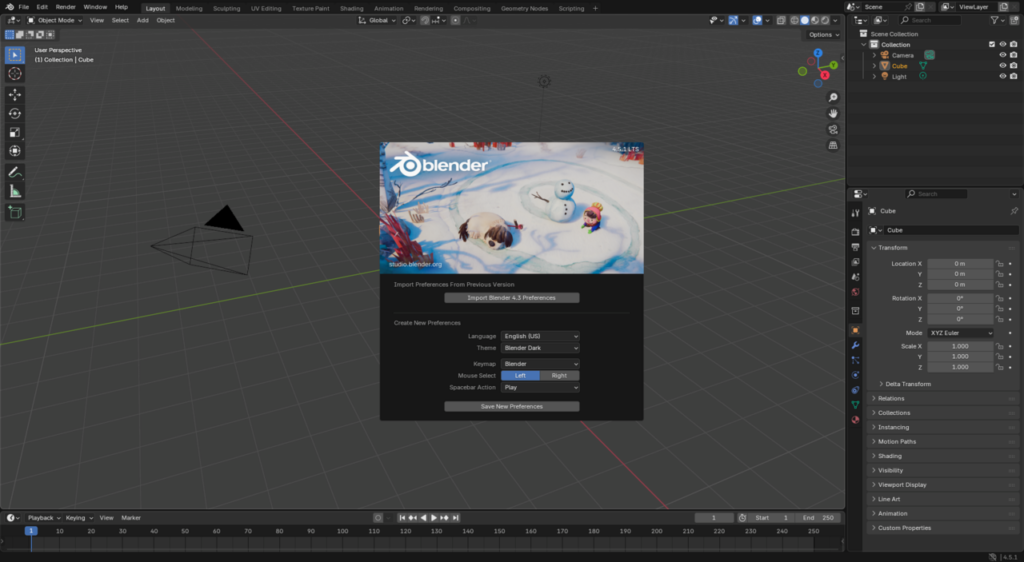
An honest evaluation of Blender in 2026 requires acknowledging the ground it has covered. These are the commercial contexts where a Blender-based studio can produce work that meets or exceeds professional standards.
Motion Graphics and Visual Identity
For motion graphics work — logo animations, title sequences, kinetic typography, abstract brand animations — Blender is entirely capable. Its geometry nodes system provides procedural modeling and animation capabilities that are in some respects more flexible than Maya’s equivalents. Many respected motion design studios now work primarily in Blender for this category of work.
Stylized and Non-Photorealistic Animation
For animation projects that are deliberately stylized rather than photorealistic — flat-shaded characters, cel-shaded brand films, illustrative explainer animations — Blender’s rendering options are well-suited. The choice between Maya and Blender matters much less when the target aesthetic is stylized rather than physically accurate.
Archviz at Standard Commercial Quality
For architectural visualization projects targeting standard commercial quality rather than the premium end of the market, Blender with Cycles renderer is capable of producing excellent results. Many archviz studios have made a complete or partial transition to Blender and produce professional-grade work.
Indie and Short-Form Production
For short-form branded content, social media animation, and projects with production timelines and budgets that preclude professional software investment, Blender provides professional capability at zero software cost. The artist’s skill is the limiting factor, not the tool.
Where Maya’s Superiority Is Commercially Significant
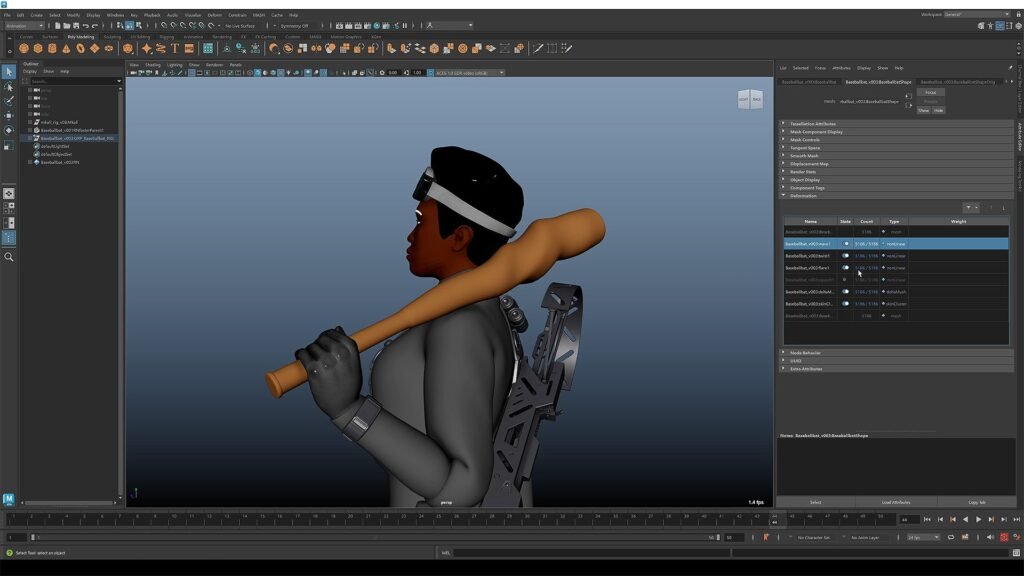
This is the section that matters most to businesses commissioning premium work. These are the contexts where Maya’s technical advantages translate directly into better production outcomes — and where the studio’s tool choice is a meaningful quality differentiator.
Complex Character and Creature Animation
Maya’s rigging system remains the global professional standard for a reason. The ability to build complex, production-grade character rigs — with full facial control systems, physically-accurate muscle simulation, and the kind of fine-grained deformation control that produces believable performance — is not easily replicated in Blender at the same level of fidelity.
For businesses whose animation requires expressive human characters, branded mascots with nuanced performance, or mechanical assemblies with complex articulation, this is the most commercially significant capability gap between the two tools. Blender character rigs can be excellent. The absolute ceiling that Maya reaches in experienced hands is higher.
Broadcast and Film-Quality Production
Major broadcast networks and streaming platforms have technical specifications for animation deliverables that effectively require Maya-compatible production pipelines. This is not policy — it is practical: the artists, tools, and workflows that dominate professional broadcast animation production are Maya-centric, and studios producing work for these channels need to integrate seamlessly with those pipelines.
For brands commissioning animation for broadcast advertising, streaming platforms, or film distribution, working with a Maya studio eliminates the technical friction and quality uncertainty that can arise when delivering from non-standard pipelines.
Enterprise Pipeline Integration
Large organizations often have existing content production pipelines — tools, asset libraries, version control systems, and rendering infrastructure — that are built around Maya as a hub. A studio working in Maya integrates with these enterprise environments without friction. A studio working in Blender may introduce format conversion steps, compatibility uncertainties, and workflow gaps that add cost and risk to enterprise-scale projects.
Multi-Artist Production Teams
When a project requires a large team of artists working simultaneously — as is typical on complex commercial productions with tight deadlines — Maya’s mature multi-user workflow capabilities, its node-based architecture for complex rig sharing, and its deep integration with asset management systems make it the more reliable choice. Blender’s collaborative workflow capabilities are improving, but they are not yet at the same production-hardened maturity level.
The Decision Framework for Business Buyers
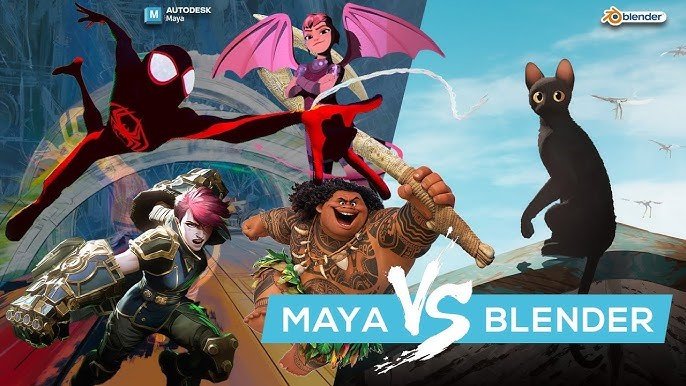
Rather than approaching the Maya vs. Blender question as a binary preference, business buyers should use the following framework to determine which tool is appropriate for their specific project requirements.
| Project Requirement | Tool Recommendation |
|---|---|
| Photorealistic product visualization at premium quality | Maya — Arnold rendering at commercial standard |
| Broadcast-quality brand commercial or film | Maya — pipeline compatibility and production standard |
| Complex character animation with expressive performance | Maya — rigging capability defines quality ceiling |
| Motion graphics and visual identity animation | Blender or Maya — both capable; artist skill is differentiator |
| Stylized explainer animation | Either — quality determined by artist, not tool |
| Archviz at standard commercial quality | Either — Blender increasingly competitive in this space |
| Enterprise pipeline integration required | Maya — standard integration with professional workflows |
| Short-form social content or motion branding | Either — budget and timeline considerations often determine choice |
The Studio Perspective
3D Animation Maya exists as a Maya-specialist studio because our founders made a deliberate choice: to build a production capability around the tool that reaches the highest ceiling for the work that our clients require. The majority of our clients are commissioning premium product visualization, brand commercial work, and complex character animation — exactly the categories where Maya’s advantages are most commercially significant.
This is not a dismissal of Blender or the talented artists who use it. It is a recognition that the projects we specialize in — and the quality standards we have committed to delivering — are best served by the tool that the world’s leading studios have consistently chosen for the same reasons.
When a client asks us why we use Maya, we tell them the truth: because the work we do for them requires it. And because when you commission animation from a Maya studio, you are commissioning work built to the same technical standard as the production houses whose work you have admired your entire professional life.
The Bottom Line
Maya and Blender are both legitimate professional tools in 2026. The debate between them has more nuance than partisans on either side typically acknowledge. What matters for business buyers is not which tool is theoretically superior — it is whether the studio they are engaging has the right tool and the right capability for the specific work at hand.
If your project requires maximum photorealism, complex character performance, broadcast-standard production, or enterprise pipeline integration — those requirements point clearly toward a Maya studio. If your project is stylized, short-form, or standard commercial quality, the tool is less determinative than the artist’s skill and the studio’s process.
3D Animation Maya is a U.S.-based Maya specialist studio. If your project calls for Maya-grade production quality and you would like to discuss what that looks like in practice, we invite you to view our portfolio and contact our team for a consultation.